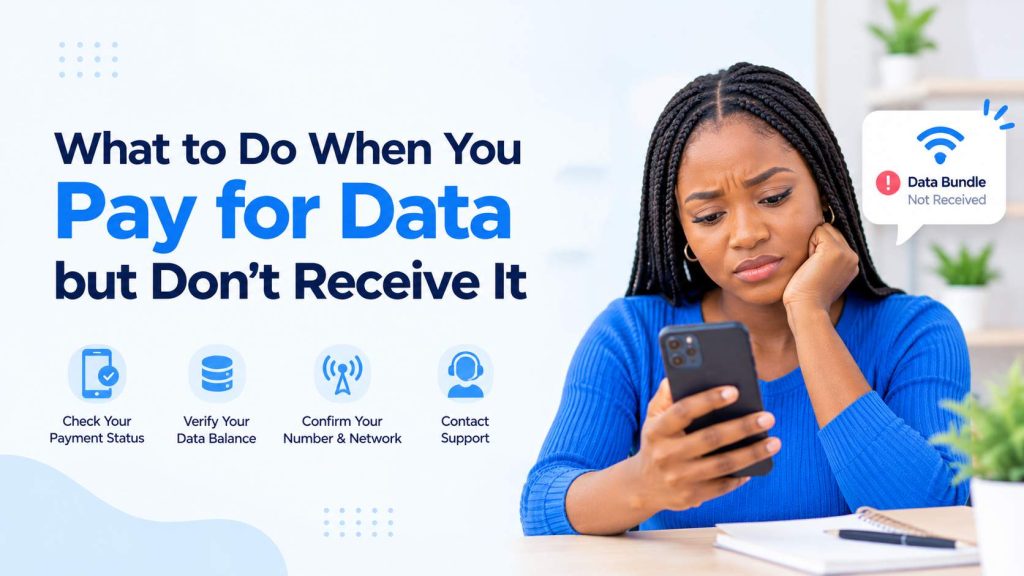
What to Do When You Pay for Data but Don’t Receive It in Nigeria
Have you ever paid for a data bundle, received a successful payment notification, but discovered that the data never arrived? This can be frustrating, especially when you need an internet connection for work, school, business, or communication.
The good news is that a missing data bundle does not always mean your money is gone. Sometimes, the transaction is delayed, the network has not updated your balance, or the data was sent to a different phone number.
In this guide, we will explain what to do when you pay for data but don’t receive it in Nigeria, how to check your transaction, and how to get help.
1. Confirm That Your Payment Was Successful
The first step is to confirm the status of your payment.
Check your bank app, USSD transaction history, wallet balance, or payment notification. Make sure the money was actually deducted and that the transaction was not pending or reversed.
If the payment is still pending, wait a little while and check again before attempting another purchase.
2. Check Your Data Balance
Sometimes, the data has been delivered, but you have not received an SMS notification from your network provider.
Check your data balance using your network’s official balance-checking method. You can also check your network provider’s mobile app, if available.
If your data balance has increased, the transaction may have been successful even without an SMS alert.
3. Confirm the Phone Number and Network
Check the phone number you entered when purchasing the data.
A single incorrect digit could send the data to another number. Also, confirm that you selected the correct network, such as MTN, Airtel, Glo, or 9mobile.
If you purchased data for another person, ask them to check their data balance too.
4. Wait a Little Before Trying Again
Data transactions can sometimes experience delays because of network problems, payment processing issues, or temporary service interruptions.
Wait a few minutes and check your balance again. Avoid making another purchase immediately, especially if the first payment was successful, because you could end up paying twice.
If the data still has not arrived after a reasonable waiting period, contact the platform where you made the purchase.
5. Check Your Transaction History
If you purchased data through a VTU platform or mobile app, open your account and check your transaction history.
Look for the transaction status. Depending on the platform, it may show as:
- Successful: The platform reports that the transaction was completed. If the data is missing, request an investigation.
- Pending: The transaction has not been fully resolved. Give it some time and check for updates.
- Failed: The transaction did not complete. Check whether your money was refunded.
- Reversed or refunded: The amount may have been returned to your wallet or original payment method.
Take a screenshot of the transaction details for reference.
6. Contact Customer Support
If your money was deducted but the data was not delivered, contact the customer support team of the platform you used.
Provide the information needed to trace the transaction, including:
- The phone number you intended to recharge.
- The network provider.
- The data bundle purchased.
- The transaction reference or order ID.
- The date and time of the transaction.
- Proof of payment, if requested.
Explain the problem clearly and ask the support team to investigate. Depending on the transaction status, the appropriate resolution may be data delivery, a refund, or another corrective action.
Never share your bank PIN, password, or OTP with anyone claiming to help you resolve the issue.
7. Request a Refund if the Transaction Cannot Be Completed
If the transaction failed and the data cannot be delivered, ask the platform about its refund process.
Refund timing depends on the platform, payment provider, and transaction status. Some refunds may be processed automatically, while others require an investigation.
Keep your transaction reference until the issue has been resolved. If you paid through a bank or payment provider and the merchant does not resolve the complaint, contact that provider through its official support channel.
8. What If the Data Is Still Missing After Contacting Support?
If customer support has not resolved the issue, follow up with your transaction reference and the date you first reported the problem.
Ask for a clear update on whether the transaction was delivered, reversed, or is still being investigated.
Keep records of your payment receipt, transaction status, and support messages. These records can help the support team trace the transaction more efficiently.
How to Avoid Data Purchase Problems in the Future
Although transaction delays can happen, a few simple habits can help you reduce problems when buying data online.
- Use a reputable VTU platform with accessible customer support.
- Confirm the phone number, network, and data plan before paying.
- Keep your transaction receipts and reference numbers.
- Check the transaction status before attempting another purchase.
- Avoid buying from unknown websites or social media accounts that cannot be verified.
- Read the platform’s refund and failed-transaction policies.
Buy Data Conveniently with the Inlomax App
Looking for a convenient way to buy data and airtime in Nigeria? The Inlomax app allows users to access digital services from their phones.
Download the app using your preferred link:
- Android: https://play.google.com/store/apps/details?id=com.inlomax.app
- iPhone: https://apps.apple.com/ng/app/inlomax-cheap-data-bills/id6759204865
- Website: https://inlomax.com/
Always keep your transaction details and use the appropriate support channel if a purchase does not go as expected.
Conclusion
Paying for data without receiving it can be frustrating, but there are practical steps you can take to resolve the problem. Confirm your payment, check your data balance, verify the phone number, review your transaction history, and contact customer support if the data is still missing.
Most importantly, avoid paying a second time until you understand what happened to the first transaction.
With careful checks and a reliable VTU platform, you can make your data purchases with greater confidence and know what to do if a transaction goes wrong.