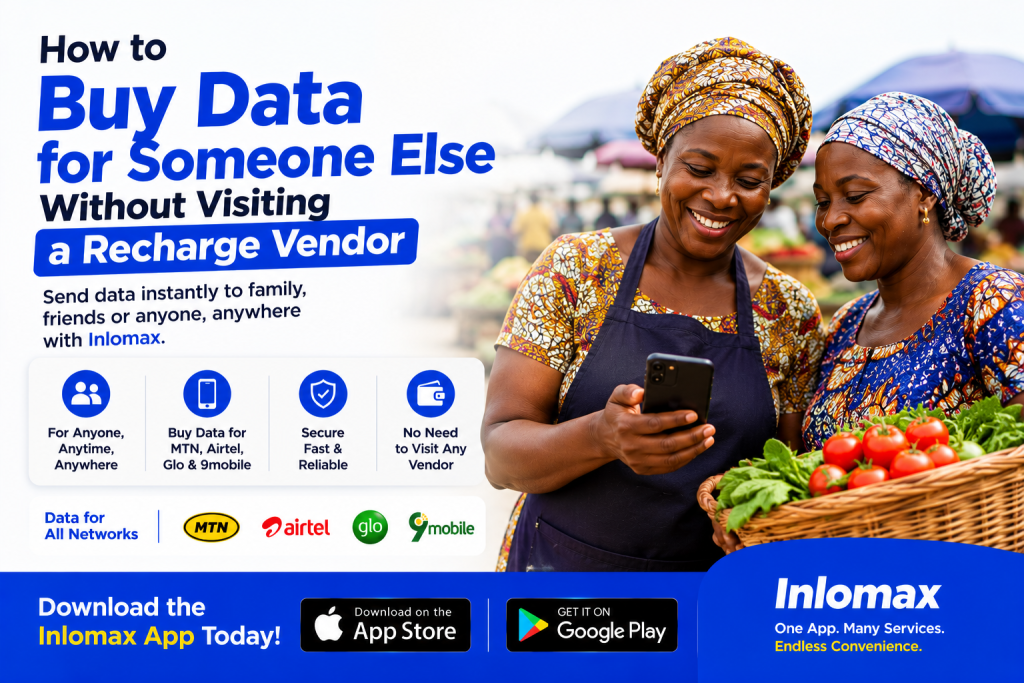
How to Buy Data for Someone Else Without Visiting a Recharge Vendor
Buying data for someone else in Nigeria no longer requires you to visit a recharge vendor or send someone money to buy a bundle for you. Whether you want to help a family member, surprise a friend, support an employee, or simply recharge another person’s phone, you can do it directly from your phone.
With digital payment platforms such as Inlomax, you can select a network, choose a data plan, enter the recipient’s phone number, and complete the transaction online. Inlomax supports data purchases for MTN, Airtel, Glo and 9mobile, according to its current app listings.
Why Buy Data for Someone Else Online?
There are several situations where buying data for another person remotely can be useful.
For example, you may have a child, spouse, friend or relative who needs data urgently but cannot get to a vendor. Instead of asking them to find a recharge shop, you can purchase the bundle directly for their phone number.
It is also convenient when:
- Someone needs data urgently.
- You want to send a data gift to a friend or family member.
- You are supporting someone who lives in another city.
- You run a business and need to provide data to an employee.
- You want to avoid visiting a physical recharge vendor.
- You prefer making payments from your smartphone.
What You Need Before Buying Data for Someone
The process is straightforward, but you should have a few things ready before starting.
You will need:
- The recipient’s phone number
- The recipient’s network. MTN, Airtel, Glo or 9mobile
- The data bundle you want to purchase
- A payment method or sufficient wallet balance
- A smartphone with internet access
The most important thing is to double-check the recipient’s phone number before confirming the transaction.
How to Buy Data for Someone Else Using Inlomax
Inlomax provides an online way to purchase data without physically visiting a recharge vendor. Its published guide explains that users can enter a phone number belonging to themselves or someone else when purchasing data.
Step 1: Download the Inlomax App
If you don’t already have the app, install Inlomax Cheap Data & Bills on your smartphone.
For iPhone users:
For Android users:
The current app listings show that Inlomax supports data purchases for MTN, Airtel, Glo and 9mobile, alongside other services such as airtime, electricity and cable TV payments.
Step 2: Create an Account or Log In
Open the app and sign up if you are a new user. If you already have an Inlomax account, simply log in.
Make sure your account details are correct before proceeding.
Step 3: Fund Your Wallet
Before purchasing the data, make sure you have enough money in your Inlomax wallet.
Depending on the available payment options, you can fund your account and then use your wallet balance to pay for the data bundle. Inlomax’s published instructions describe wallet funding before making data purchases.
Step 4: Select “Buy Data”
From your dashboard, look for the Buy Data option.
You will then be able to choose the network and data package you want to purchase.
Step 5: Select the Recipient’s Network
Choose the recipient’s network.
For example:
- MTN
- Airtel
- Glo
- 9mobile
Make sure you select the correct network before continuing.
Step 6: Enter the Recipient’s Phone Number
This is the most important part.
Enter the phone number of the person you want to send the data to. You don’t need to be physically with the person to complete the purchase.
Before confirming, carefully check the number to avoid sending the data to the wrong person.
Step 7: Choose a Data Plan
Select the data bundle you want to purchase.
Depending on what is available, you may find different daily, weekly or monthly options. Check the price and validity period before completing the transaction.
Important: Data prices can change, so always check the current price displayed on the platform before paying.
Step 8: Confirm the Transaction
Review everything carefully:
- Recipient’s phone number
- Network
- Data bundle
- Amount to pay
If everything is correct, confirm the transaction.
Inlomax says its data purchases are designed for quick delivery, and its published guide states that users can receive confirmation after a successful transaction.
How to Avoid Sending Data to the Wrong Number
One of the biggest mistakes people make when buying data for someone else is entering the wrong phone number.
Before clicking the final confirmation button:
Check the number twice.
If possible, copy the number directly from your contact list rather than typing it manually.
You should also confirm the network. A person may have multiple SIM cards, so don’t assume their network based only on their name or previous purchases.
Can You Buy Data for Someone in Another City?
Yes. You don’t need to be in the same location as the recipient.
For example, if your sibling is in Lagos and you are in Enugu, you can purchase data for their phone remotely. The important thing is having the correct phone number and selecting the appropriate network and data plan.
This makes online data purchases particularly useful for families and friends who live in different locations.
Buying Data for Someone Is More Convenient
Visiting a recharge vendor may seem simple, but it isn’t always convenient.
You may have to:
- Leave your home or office.
- Find an available vendor.
- Wait in line.
- Explain the data bundle you want.
- Give the recipient’s number.
- Make payment.
With a digital platform, the same basic transaction can be completed from your smartphone.
This is especially useful when the person needs data immediately and you are not nearby.
Other Things You Can Do on Inlomax
Buying data for another person is only one of the services available on Inlomax.
According to its current app listings, the platform also supports:
- Airtime top-up
- Electricity bill payments
- DStv, GOtv and Startimes subscriptions
- User-to-user transfers
- Gift cards
- Data purchases across major Nigerian networks
This means you can use one app for several everyday digital payment needs instead of relying on a physical vendor for every transaction.
Is Buying Data for Someone Else Safe?
The process can be safe when you use a reputable platform and carefully verify the recipient’s details before payment.
You should also follow basic security practices:
- Never share your account password.
- Don’t give your OTP to another person.
- Verify payment details before confirming.
- Use the official Inlomax app rather than downloading applications from unknown websites.
- Keep your phone and payment information secure.
The Inlomax app is currently listed on both Apple’s App Store and Google Play under Buildoptimus Labs Limited.
Final Thoughts
You don’t need to visit a recharge vendor every time someone needs mobile data. With an online platform like Inlomax, you can buy a data bundle for a friend, family member, employee or another person directly from your smartphone.
The process is simple: open the app, select the network, choose a data plan, enter the recipient’s number, verify the details and complete the payment.
For convenience, you can install Inlomax on your device:
- iPhone: Download Inlomax from the App Store
- Android: Download Inlomax from Google Play
That way, the next time someone tells you, “Please help me buy data,” you can handle it from wherever you are without visiting a recharge vendor.